As human beings we are incredible, we are incredible in and of ourselves, but with tools we truly can become so much more.
I have always been someone who is naturally able to achieve what I need to and perform at a level sufficient to get the jobs done. More than that though I have always been someone who knew how to use tools and extending myself much further beyond what I could do just by myself.
Theres no shame in using the tools that are in front of us, as they say; work smarter, not harder. So, with that being said I am going to be giving some of my favorite VS Code and Chrome extensions that can really help you excel in web development. Now this is by no means all of them, I use many, many extensions. These are just some notable ones that I am using right now, lets get into it.
VS Code
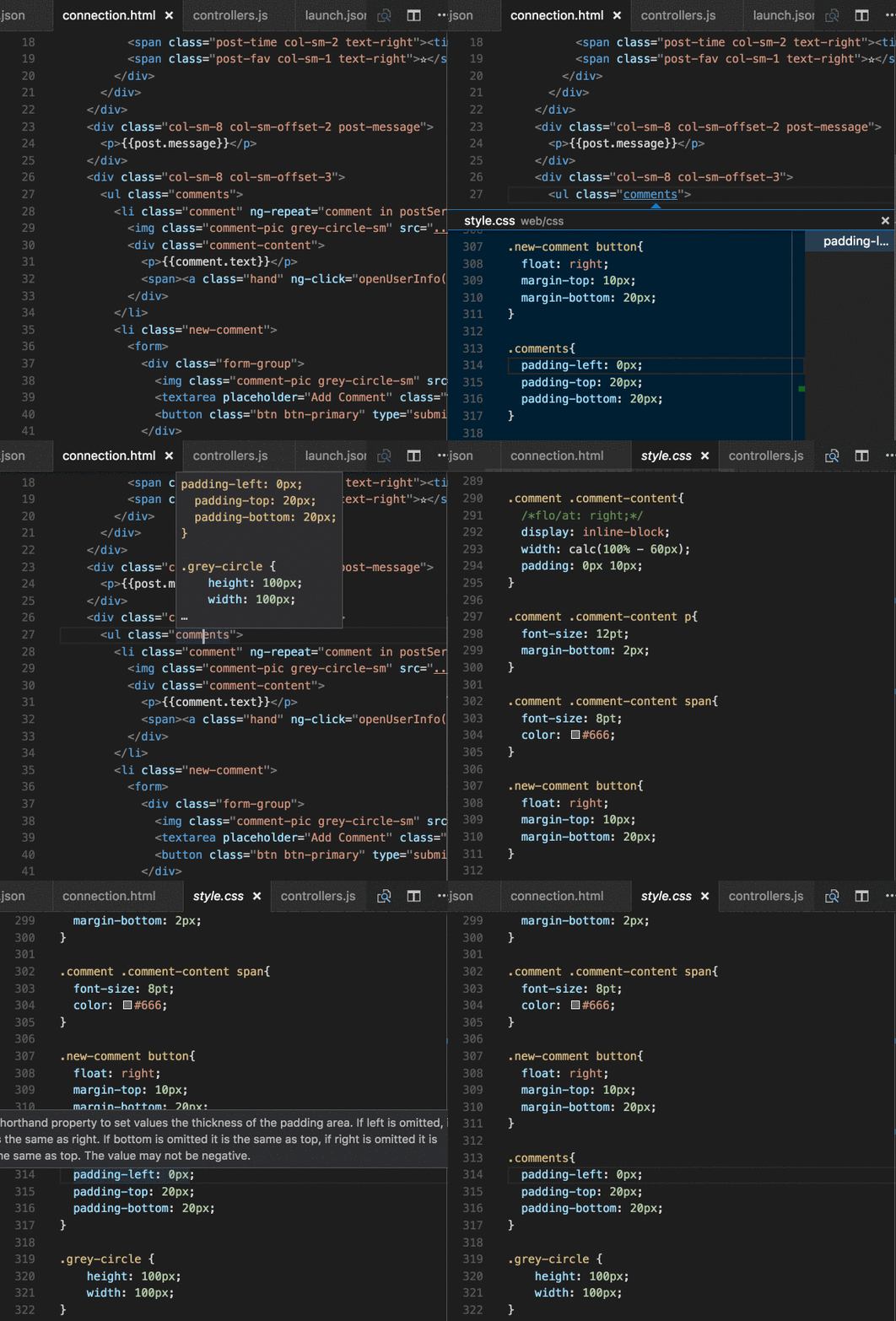
CSS Peek
First up is for those who work heavily with their CSS. This is a pretty self explanatory app but essentially it allows you to hover over an element in your code and see the CSS applied to it without leaving your current page or you can click into it to have it take yo directly to your CSS. Give it a try CSS Peek.
Color Highlight
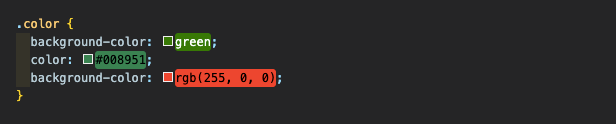
This next one is even more simple than CSS Peek, Color Highlight allows you to be able to visualize what colors you are adding onto your CSS. Whether you are using Hex, RGB, or just writing the color name it will change in real time for you to see. This also makes it very easy when scrolling through to find your code.
Ponicode
Ponicode is incredible. It is a test suite that allows you to test your functions right in VS Code. Lets say you have an email validator function and you want to test it and also how it would respond to multiple edge cases, you can do that with Ponicode right inside VS Code. As a coder something like this is invaluable, because a lot of our work is based in debugging and this allows us to hopefully avoid those bugs.

Ponicode can also generate some test suites for you based off your function.

Chrome Extensions
ColorZilla
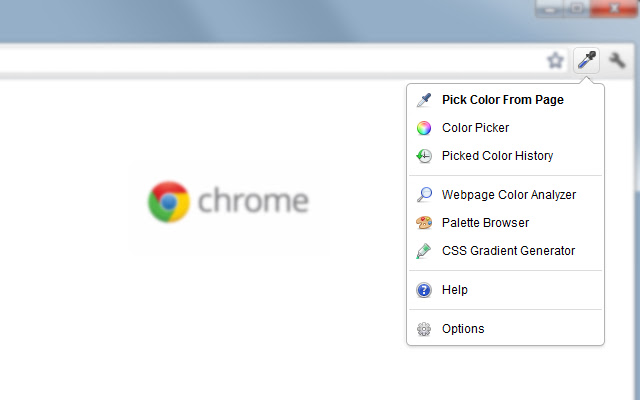
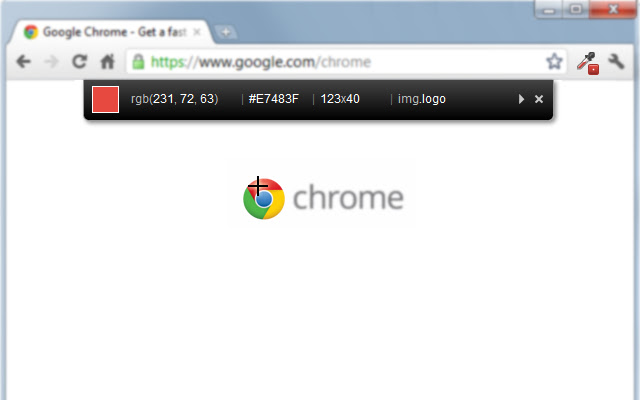
If you have ever looked at a site and really loved a specific color, and you want to apply it to your site. Then ColorZilla is for you. It allows you to extract colors from any part of a site and get the Hex code or RGB for it in order to use it in your CSS. It’s as simple as downloading the extension and then when you find a color on a site that you want, click on the extension and select the pick color from page. It has other features but this is what I found myself using most often.
CSS Peeper
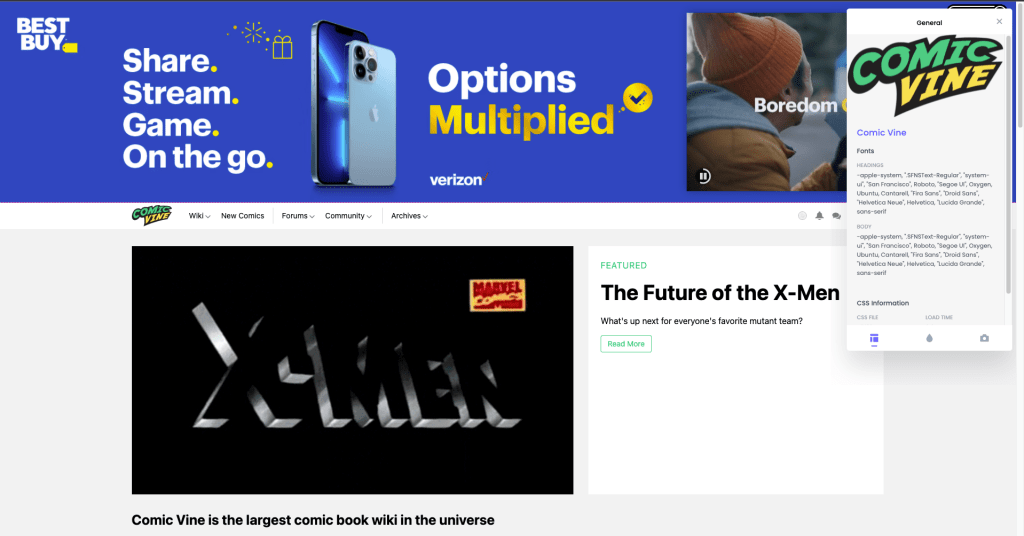
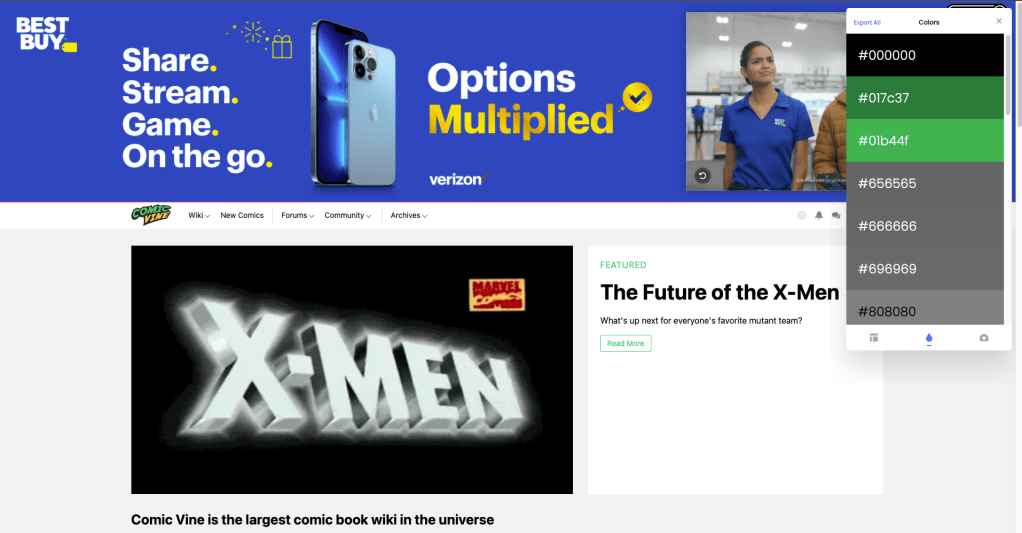
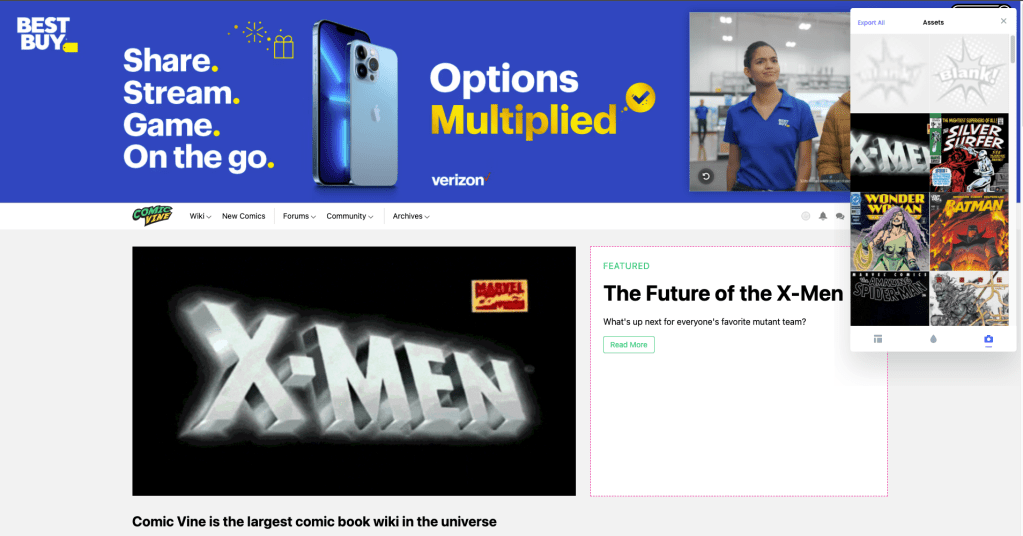
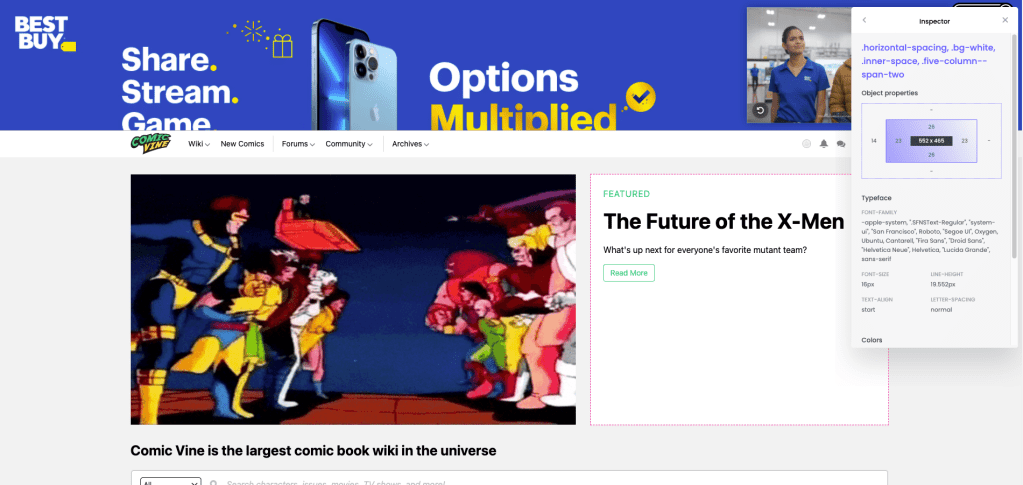
CSS Peeper takes this a bit further and actually allows you to see not only one color of your choosing, but all the colors present on the page, and as well the CSS that has been applied. This app is pretty incredible and will let you know of the colors, fonts, and even the on-page assets. The most incredible part is that it actually allows you to hover over elements and find out all the CSS associated with it.
Web Developer
Now Web Developer takes this all to an extra level. It essentially gives you all the information on a site that you would want or need and allows for you to manipulate that as well, in order to see what would happen with the site. This is like the Swiss Army knife of extensions. There is too much to go over in this blog with this extension but check it out for yourself and play with it here. This one is for sure worth your time.

Session Buddy
These last few are going to be just simple productivity apps. They are extremely nice to have and can make life a little easier. First up is Session Buddy. As a programmer you know the dilemma we face with always having a million tabs open. Not only can that slow down your computer, but it can also slow you down. Whether it’s forgetting which tabs are which, or not being able to read the tabs anymore because they are so condensed. Session Buddy allows you to save a tab session and recall it later. That way all the tabs you need open are saved in their own group but as well now your tab bar is less cluttered and chrome wont need to worry about keeping those tabs running.
Awesome Screenshot
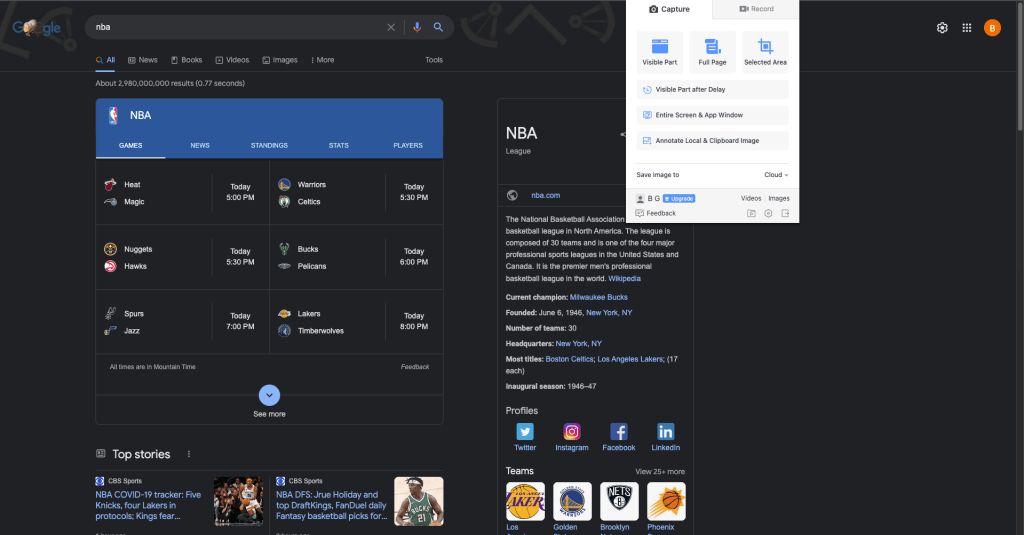
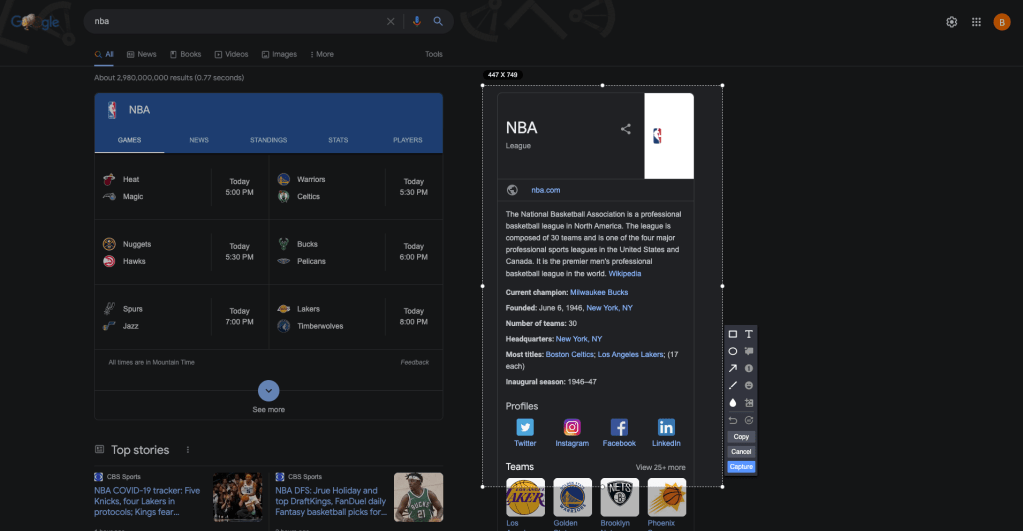
This one has been a tried and true extension for me. It simply just allows you to take quick screenshots and screen records and it allows you to do so without saving them to your computer. Especially if you just need a quick screenshot but wont need to save it, this allows that for you.
Checker Plus
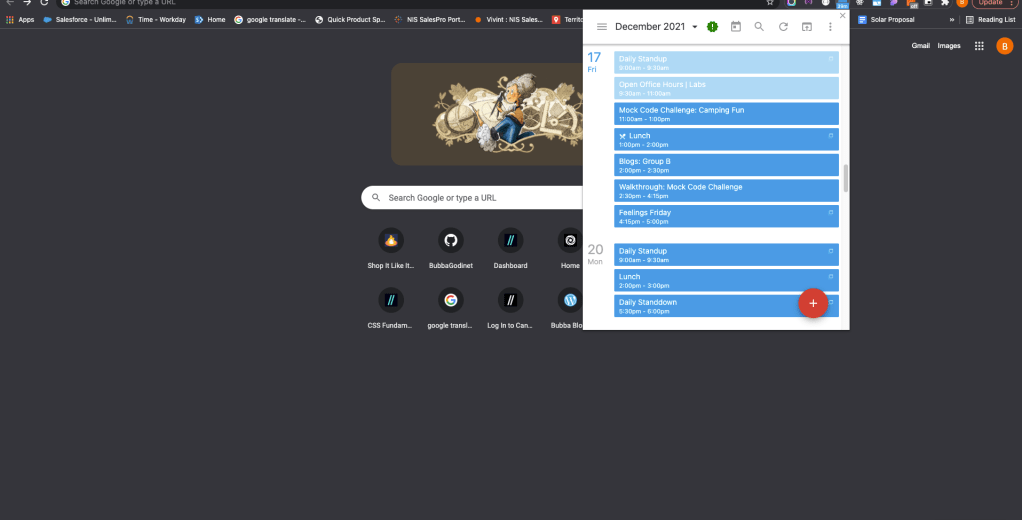
Last but not least is Checker Plus. Checker Plus is maybe the most simple but I find it extremely useful. With working remotely and heavily with teams and team members you’ll need to constantly stay on top of your calendar. Checker Plus allows you to have a quick view of your calendar no matter which tab you are on. It will also give you a countdown til your next scheduled calendar event.


 Bubba Blogs